Where they live
Both are on the Scheduler page, below Programs.
Closing a zone by the clock

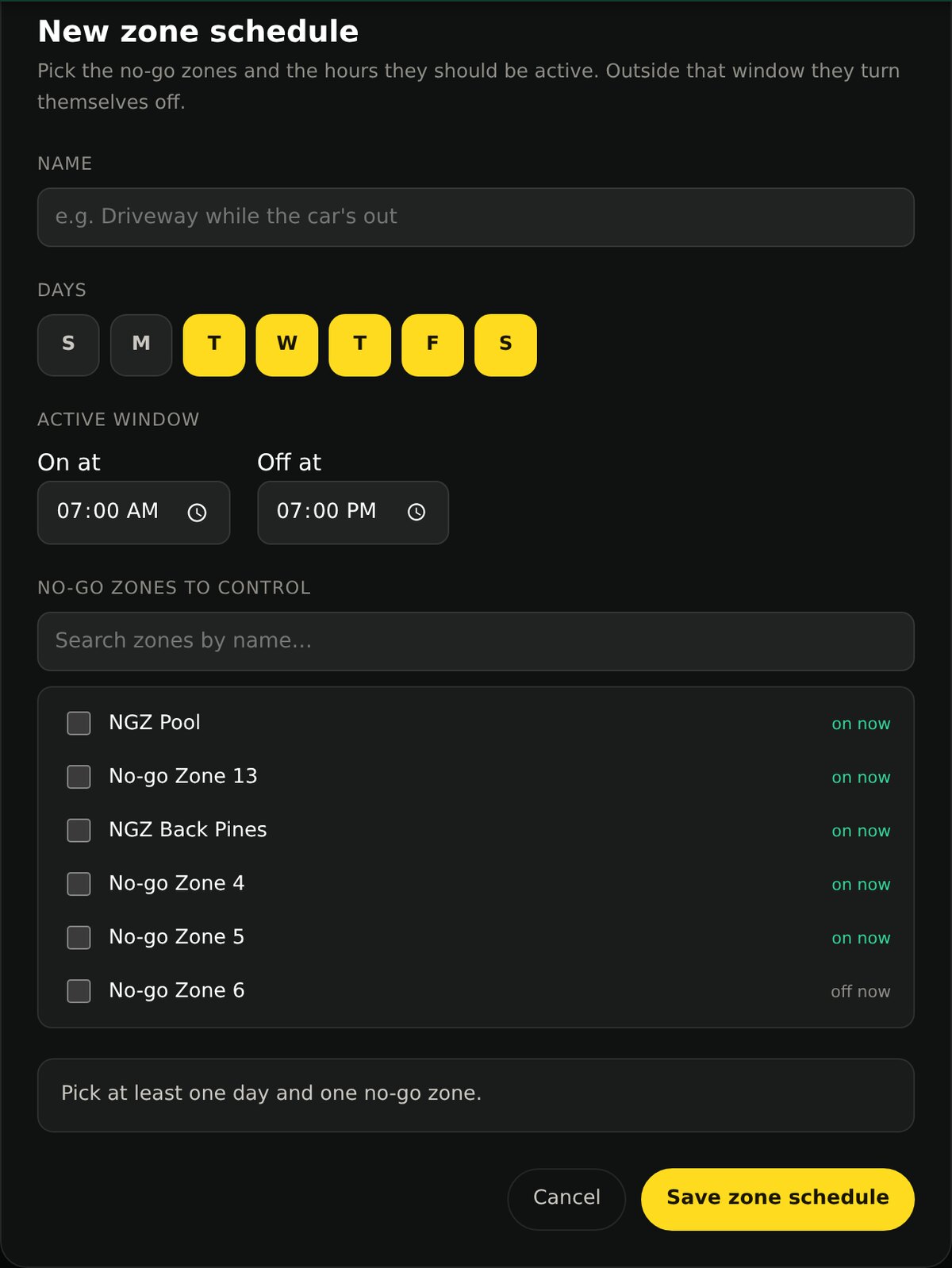
Press New zone schedule
Give it a name you will recognize: Driveway while the car’s out.
Choose the days
Any combination. Weekdays only, weekends only, every day.
Set the active window
On at and Off at. Inside that window the zone is closed; outside it the zone turns itself back off.
Pick the zones
Search by name and tick as many as you like. The list shows whether each one is on or off right now, so you can see what you are changing.
Closing a zone after rain
A low corner that turns to mud is the usual reason. The rule closes the zone once enough rain has fallen and reopens it once the ground has had time to dry.
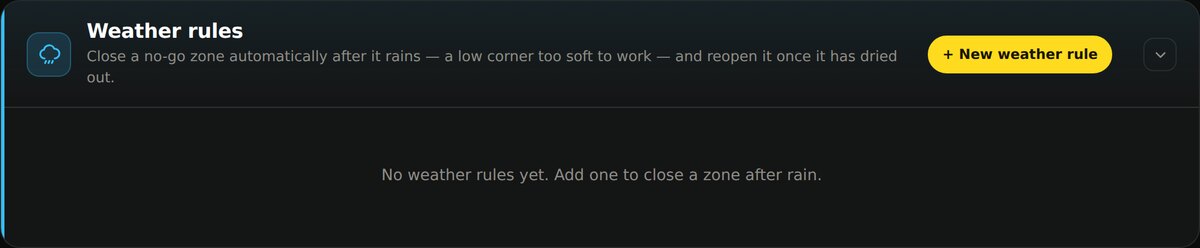
Press New weather rule
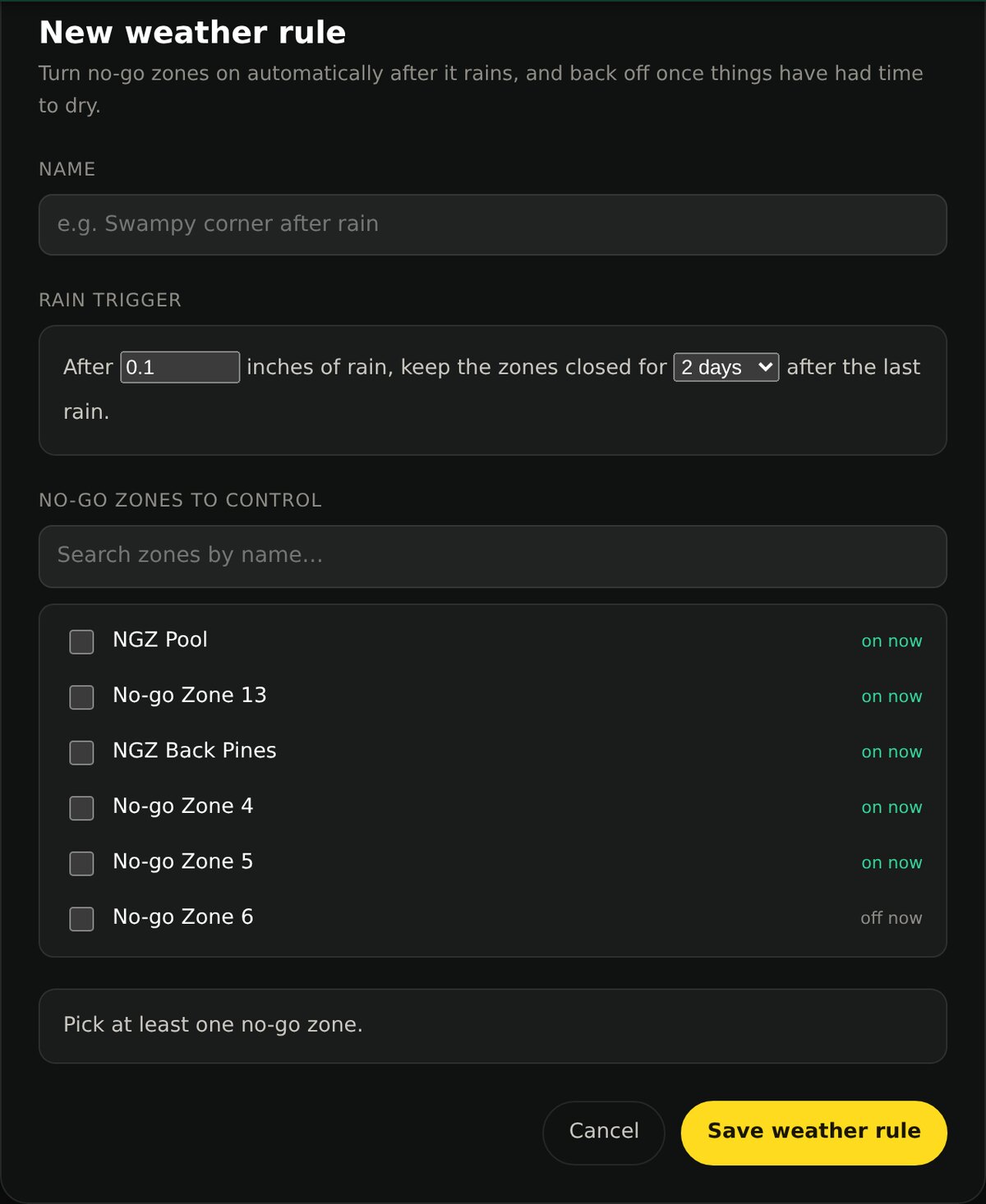
Name it for the place, not the weather: Swampy corner.
Set the trigger
After this much rain, in inches, keep the zones closed for this many days after the last rain.
Pick the zones
Same list as a zone schedule.
How the two rules interact
Anything that says close, wins
If either a schedule or a weather rule wants a zone closed, it is closed. They are combined, not ranked.
Zones nothing names are never touched
Yardstick only ever changes zones you have named in a rule. The rest are yours.
A deleted zone switches its rule off
If you delete a no-go zone that a rule depends on, Yardstick turns that rule off and tells you which zone is missing.