Support / Yardstick Anywhere / The phone app Search help
Connect the phone app to Yardstick Anywhere
Install the app, make a pairing code on a computer, and type it into the phone. It takes about a minute, and the phone never needs your sign-in.
Install the app
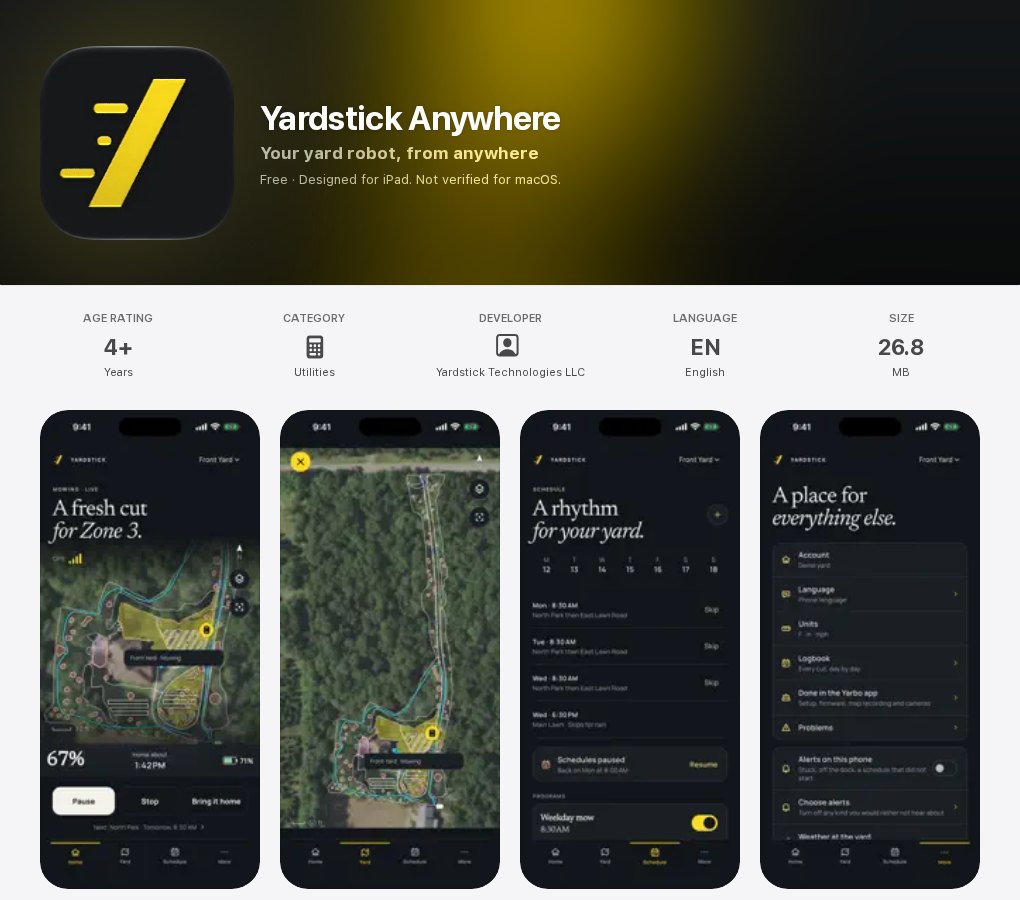
The app is free to install. It is called Yardstick Anywhere, from Yardstick Technologies LLC.
iPhone and iPad
Open the App Store page, or search the App Store for Yardstick Anywhere, and tap Get.
Android
Open the Google Play page, or search Google Play for Yardstick Anywhere, and tap Install.
Pair it with your yard
You need a computer (or a tablet) signed in to Yardstick Anywhere, and your phone.
Open Settings on the computer
Sign in at portal.yardstickhome.com, press Settings at the top, and choose Phone app in the list on the left.
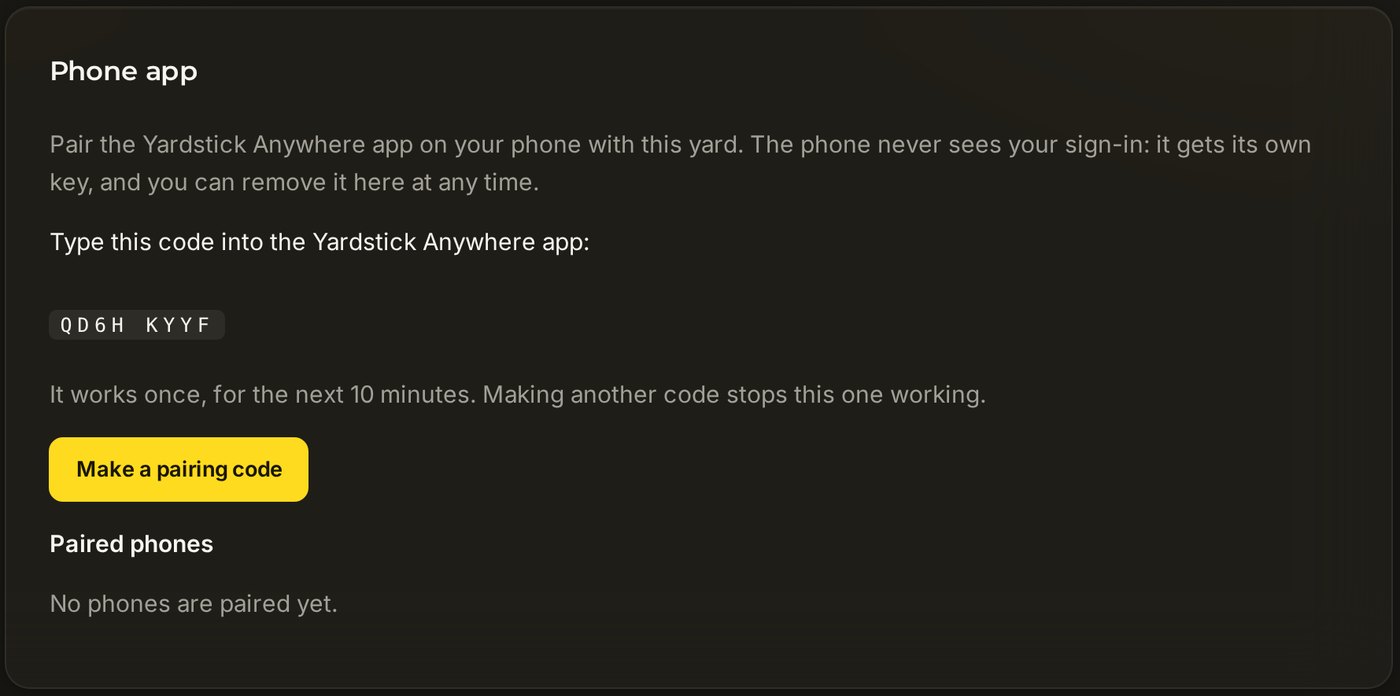
Press Make a pairing code
An eight-character code appears, like the one below. It works once, for the next ten minutes. Pressing the button again makes a new code and stops the old one working.
Open the app and type the code
The app opens on Pair this phone. Type the eight characters (the space in the middle does not matter) and tap Pair. Your yard appears a moment later.
If it does not work
The app says the code did not work
A code works once and only for ten minutes, and making another one cancels it. Make a fresh code and type it straight in.
There is no Phone app in my Settings, or it offers an upgrade
The phone app is part of Premium. If your account is on Basic, the card offers the upgrade.
I just want to look around first
On the Pair this phone screen, tap Look around a demo yard. Nothing you do there reaches a robot.