Support / Answers / Controlling the robot Search help
Can I see my Yarbo in Home Assistant?
Yes, through Yardstick, over your own network. Six sensors, and nothing in Home Assistant can move the robot.
The six sensors
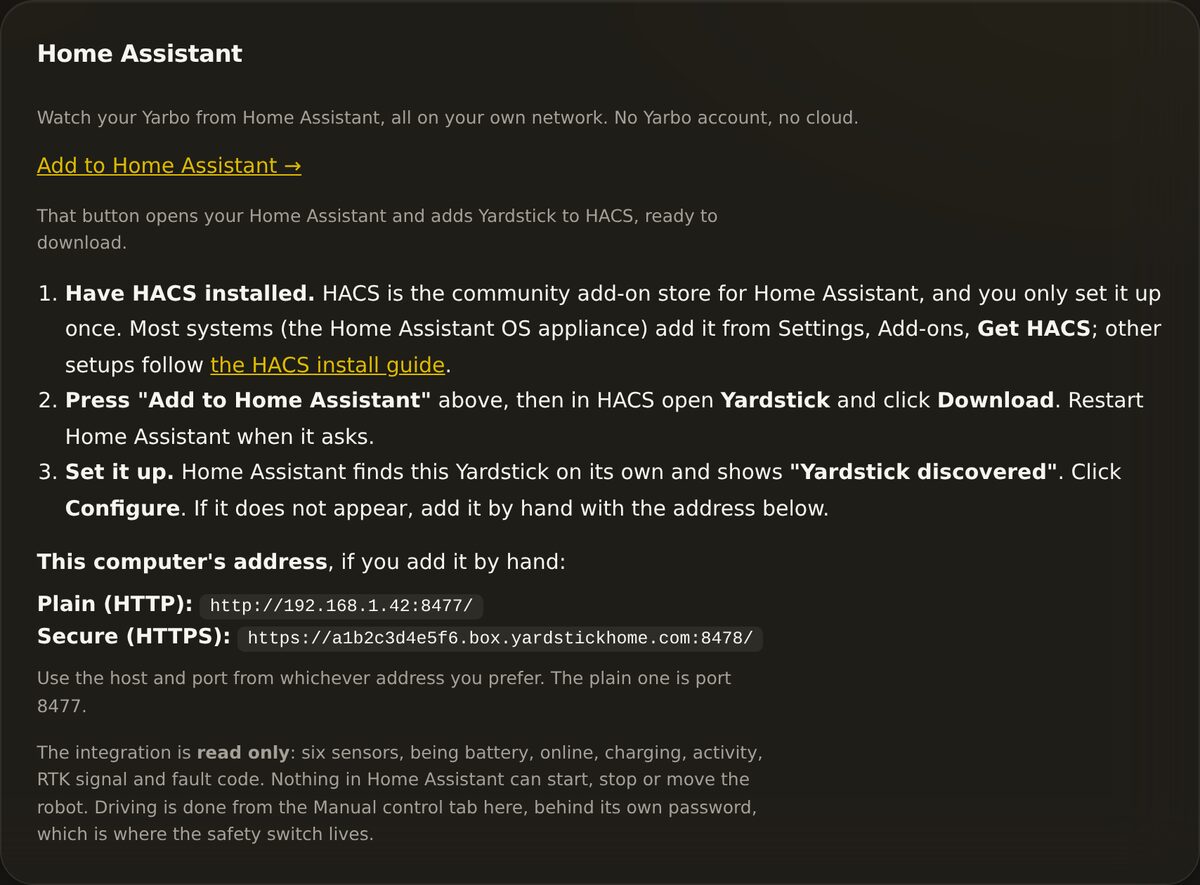
Read only, and why
Nothing in Home Assistant can start, stop or move your Yarbo, and that is a decision rather than an oversight.
A machine with blades should not be moved by an automation that cannot see it. This Home Assistant integration exposes six read-only sensors for dashboards and notifications. It has no switches, buttons or number controls, so it cannot start a plan, send the robot home or drive it. Use the robot controls in Yardstick or the Yarbo app when you need to act.
Setting it up
Have HACS installed
The community add-on store for Home Assistant, set up once.
Press Add to Home Assistant
In Yardstick, under Settings, Home Assistant. It opens your Home Assistant with Yardstick ready to download.
Let it find the robot
Home Assistant discovers this Yardstick on its own and offers to configure it. If it does not appear, add it by hand with the address Yardstick shows you.