Seeing which one it is
Yardstick records what your Yarbo did rather than what it was asked to do, so the answer is a map rather than a guess.
- Missed grass draws the ground the robot was meant to cover and did not, in red, over the route it actually drove. A patch that is red week after week is the thing to look at.
- Cells with 3+ passes tells you how much of the yard was covered three or more times, which is the difference between a job that finished and a job that ran out of battery.
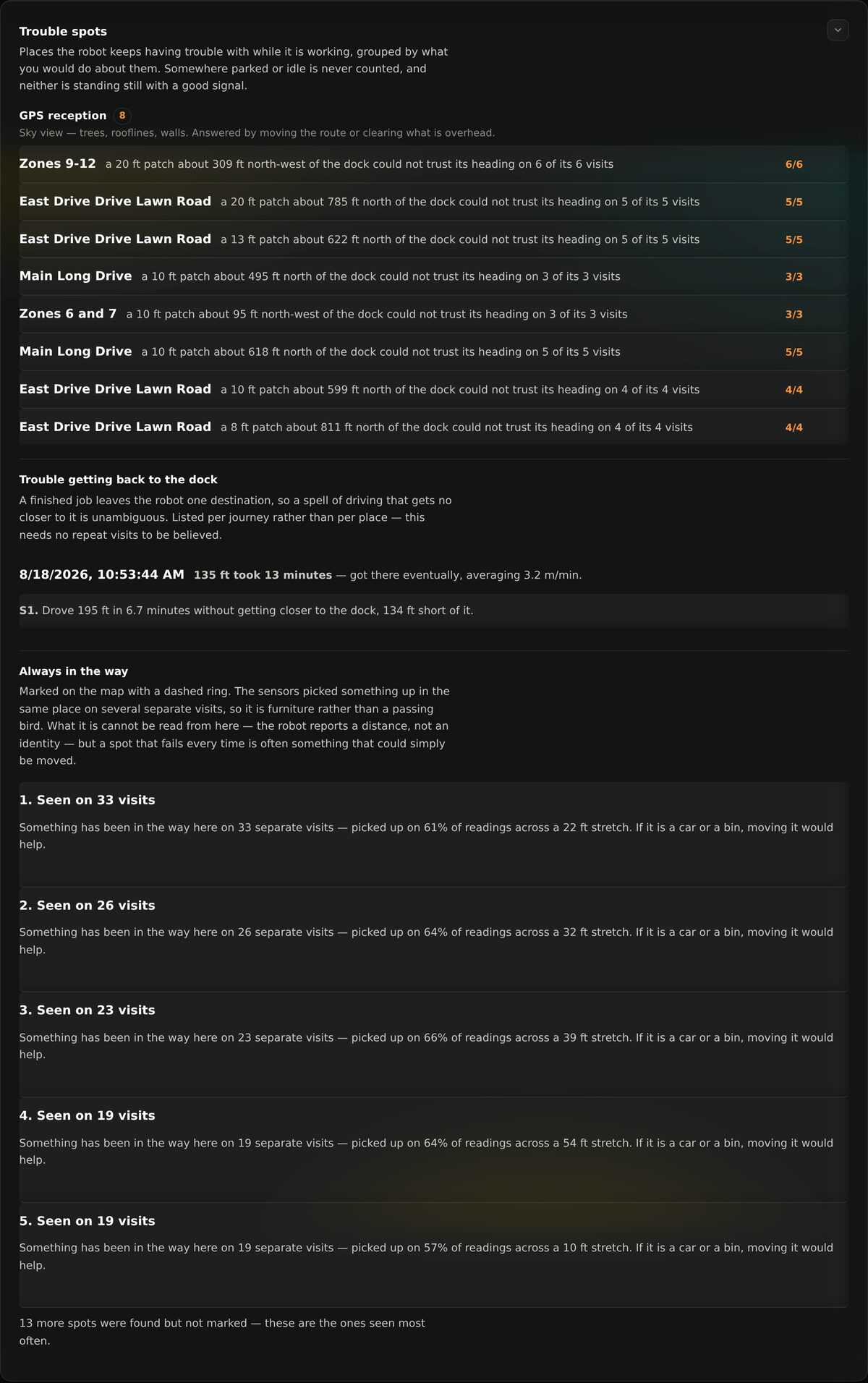
- Trouble spots groups the repeated failures by what you would do about them, so an obstacle and a signal problem never end up in the same list.
Why repeat visits matter
One bad reading is a bird. The same 20 ft patch failing on six of its six
visits is furniture, or a tree. Yardstick counts the visits so you can tell
the difference without standing in the yard watching.