Support / Map / Recover a job Search help
Recover a job that ended early
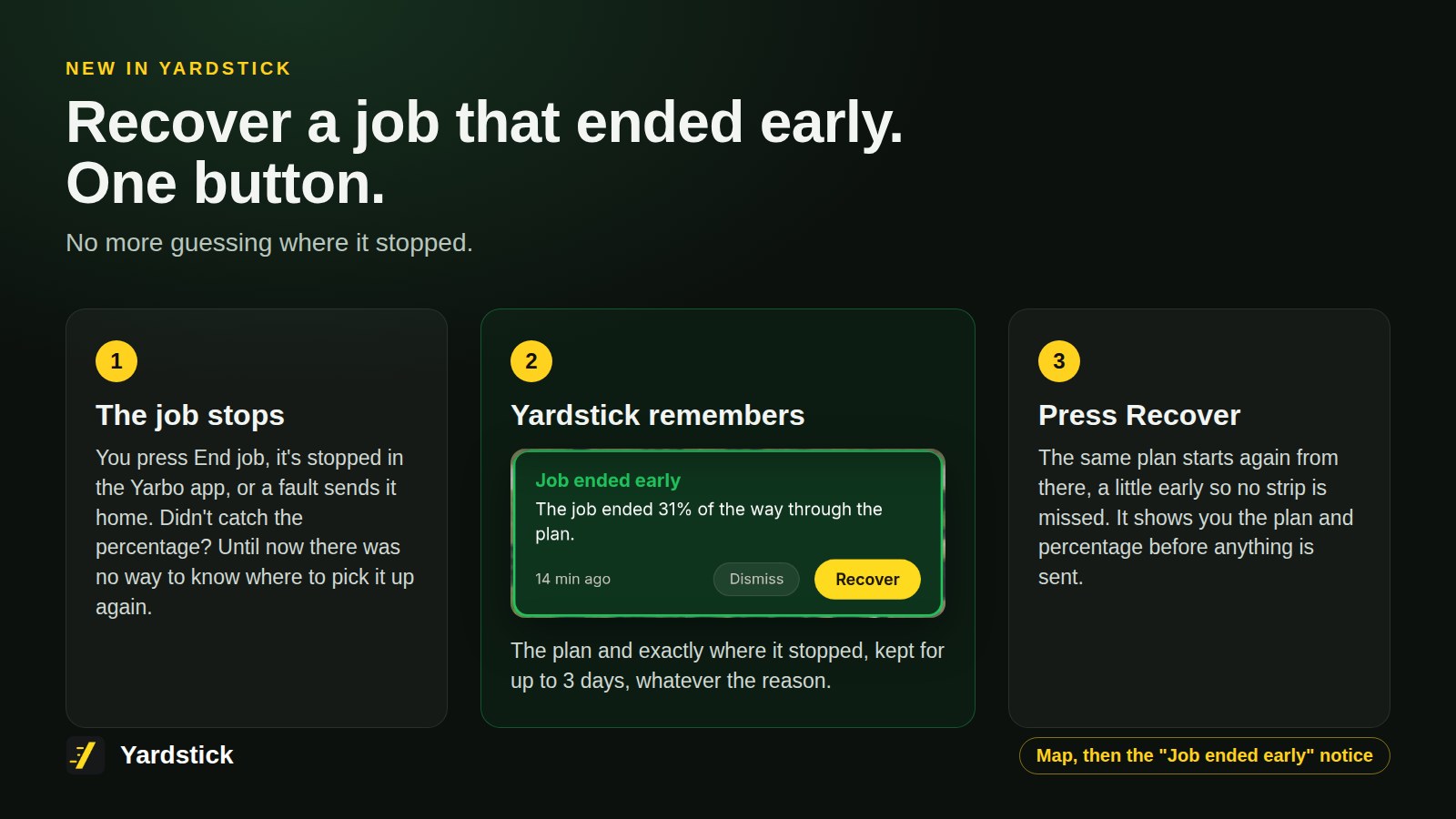
A job that ends early, for any reason, can be picked up again with one button. Yardstick remembers the plan and where it stopped, so you never have to guess the percentage.
The short version
When a job ends early, the map shows a Job ended early notice with a Recover button. Press it, check the plan and percentage it names, and say yes. The same plan starts again a little before where it stopped.
It works the same in the installed Yardstick and in Yardstick Anywhere. It does not matter why the job ended: End job, a stop in the Yarbo app, or a fault that sent the robot home.
Recover a job
Find the notice on the map
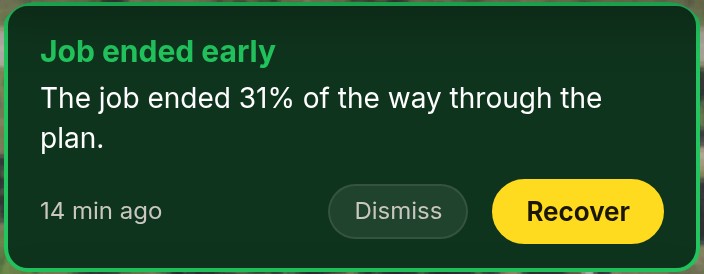
When a job ends early, the map's notices show Job ended early, with how far the job got. Recover sits beside Dismiss.
Press Recover
Yardstick asks first, naming the plan and the percentage it will start at. Nothing is sent until you say yes.
It starts a little early
The plan starts two points before where the job stopped, so no strip is missed. The notice goes away once the start has gone out.
When Recover is offered
- For up to three days after the job ended. After that the grass has grown again, so start the whole plan instead.
- While the robot is docked and idle. If it is still out or charging toward a scheduled carry-on, Recover waits.
- While the plan is still on the robot. A plan that was deleted or replaced cannot be recovered.
- Until another job starts. Recover belongs to that one job and clears itself when any other job begins. If that one ends early too, it gets its own Recover.
Start at any percentage yourself
Each plan on the Plans page also has a Start at box: type a percentage from 0 to 95 and Start begins the plan there.